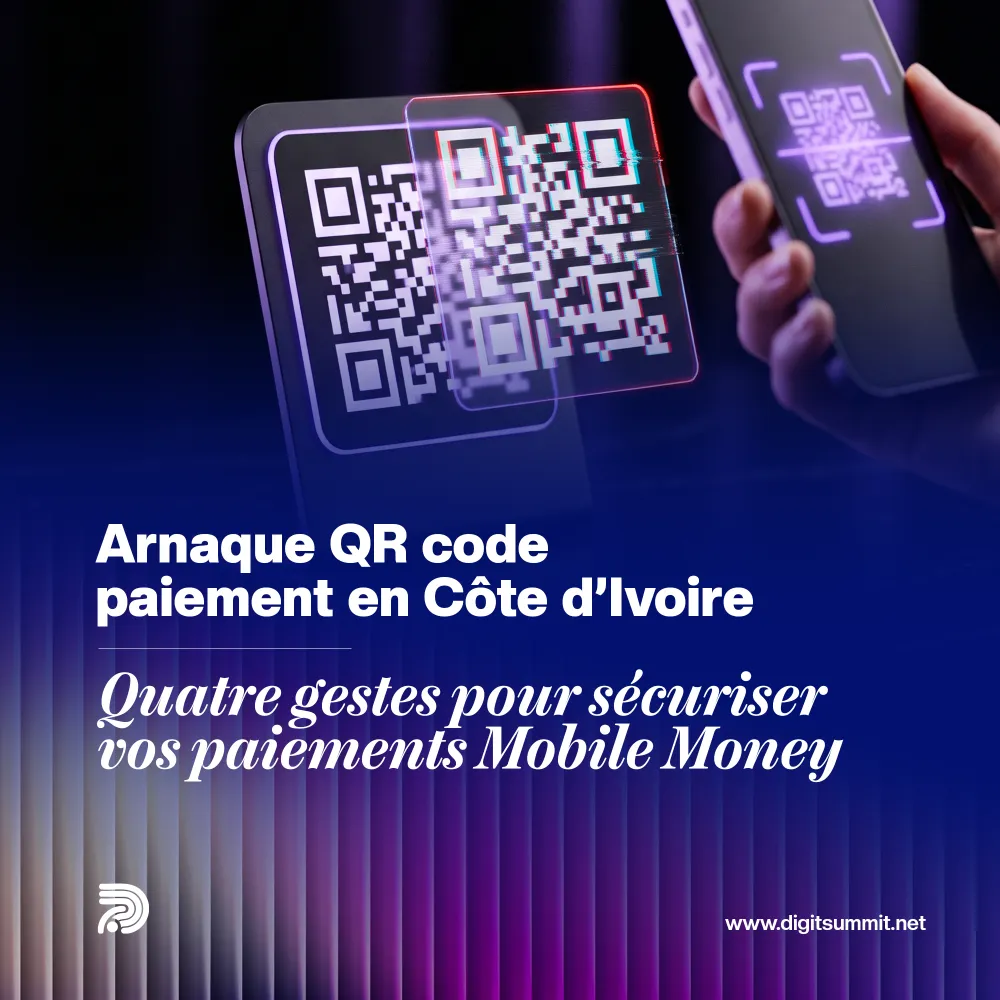
A customer scans the QR code on your counter, pays, shows you their screen and leaves with the goods. In the evening, the money is not in your merchant account. It has gone to someone else. That is how the QR code scam reported on 19 October by Eco Business works: fraudsters stick a fake label over the merchant's code, and payments flow into their own accounts (Eco Business). According to IT risk professionals quoted by the newspaper, several cases have reportedly been seen in Abidjan and elsewhere in the country (Eco Business).
An SME can protect itself with a few simple steps that can be put in place this week.
“Quishing”: just a sticker in the right place
The word combines “QR code” and “phishing”. The fraud consists of replacing a genuine payment code with a fake one without the merchant knowing (Eco Business). No hacking is needed. All it takes is a printed sticker and a moment of inattention.
The customer notices nothing. They scan, confirm, and their money goes straight to the fraudster's account (Eco Business). That makes two victims at once: the customer has paid, and the seller has received nothing (Eco Business). And the argument often starts at the till, in front of other customers.
According to Eco Business, the technique mainly exploits the lack of monitoring of payment displays, especially in small shops (Eco Business). The typical case: a QR code taped to a counter or shop window that nobody has looked at closely for months.
QR code scams: SMEs are exposed too
Don't assume this only affects small stalls. A pharmacy, a restaurant, a hair salon, a shop with several tills: wherever a QR code is displayed without being checked, the risk exists. The more payment points and till staff you have, the harder it is to keep an eye on everything.
The context does not help. On the same day, 19 October, L'Infodrome published the 2024 cybercrime figures for Côte d'Ivoire: 2,326 complaints of online fraud, up 190%, with losses of FCFA 2.36 billion (L'Infodrome). In total, 12,100 cases were handled in 2024, compared with 6,579 in 2022 (L'Infodrome). These figures do not relate specifically to QR codes. They simply show that scammers follow the money, wherever it flows.
On 27 October, for Cybersecurity Month 2026, the Minister of Digital Transition and Technological Innovation, Djibril Ouattara, urged the public to adopt good digital habits (AIP). He asked businesses to comply with the General Information Systems Security Framework, the RGSSI (L'Infodrome). This document, published on the website of ANSSI Côte d'Ivoire, sets organisational and technical security rules for government bodies, private organisations and critical infrastructure (ANSSI Côte d'Ivoire). Note the word “organisational”: security is also about how your team works.
Four steps to secure your mobile money payments
1. Check your payment displays every day
The specialists quoted by Eco Business recommend inspecting your QR codes regularly (Eco Business). Here is how to do it without spending the whole morning on it:
- at opening and closing time, look at every QR code on display: no sticker on top, no peeling edges, no label that looks newer than the display;
- scan the code yourself with a work phone: the payee name shown must be exactly the name of your merchant account;
- place the display where the cashier can see it, fixed in place and protected, rather than at the entrance where nobody is watching it;
- record who checked and at what time. A sheet of paper next to the till is enough.
2. Confirm every payment in your own merchant account
This is the rule that protects you most. Never hand over the goods based on the customer's screen. Hand them over when the payment appears in your merchant account, or when you have received the official notification from your operator (Eco Business).
The customer's screen proves nothing. It may show a payment sent to another payee, a screenshot of an old payment or a fake text message. Your merchant app, on the other hand, tells you what you have actually received.
In practice, set aside a phone or tablet for the till, logged in to the merchant account, with notifications turned on. The cashier checks the amount and the transaction reference before saying thank you.
3. Train your checkout staff
You don't need a seminar. A short meeting on a Monday morning is enough to set three rules:
- never confirm a payment based on the customer's screen, even if they are in a hurry, even if they are a regular;
- if there is the slightest doubt about a QR code, remove it and tell the manager;
- a payment that does not appear in the merchant account is not a payment, whatever the customer says.
Also give your cashiers a ready-made phrase to avoid awkwardness: “I'm checking on our account, it's for your security too.” An honest customer will understand. A fraudster will get impatient, and that in itself is a warning sign.
4. Know what to do if it happens
- Remove the fake code immediately and keep it as evidence, along with a photo.
- Write down the time, the amount and the name of the payee shown on the customer's phone.
- Notify your mobile money operator and file a complaint.
- Check all the other payment points in the shop.
Think of your customers too. Eco Business advises them to check the payee's identity before confirming (Eco Business). Display the instruction clearly next to the code: “Check that the payee is our shop's name.”
Online, the payment confirms the order itself
Everything above relies on human vigilance. It is essential, but it slips, especially on a busy Saturday. Some of your sales can go through a channel where verification no longer depends on the cashier.
On a properly connected online shop, mobile money and card payment is built into the checkout process. The customer chooses their products, pays on the payment provider's secure page, and the provider itself tells your website directly that the money has arrived. The order then switches to “paid” automatically. Without this confirmation, it stays pending and nothing leaves the warehouse.
What this changes for you:
- no physical QR code to tamper with: a payment request is created for each order, with its amount, to your account;
- fake screenshots become useless: nobody looks at a screen, the website reads the official confirmation;
- every payment is linked to an order, a customer and a date, which makes month-end reconciliation easier;
- your customers can pay online and then collect in store or have their order delivered, which reduces counter payments accordingly.
That said, an online shop is not a fortress. It has to be updated, protected and monitored: a neglected WordPress site becomes an entry point in its own right. Also tell your customers that you will never send them a payment link outside your website. And if you are following the BCEAO's instant payments project, we have set out in detail what SMEs need to prepare for PI-SPI.
What you can do starting tomorrow
Check all your QR codes when you open, scan them yourself and display the rule “payment confirmed on our account, not on your screen”. Then get your cashiers together to set the three rules above.
If you want some of your sales to be collected and confirmed without human intervention, DiGit Summit builds online shops with integrated mobile money and card payment and handles their security and maintenance. To discuss your situation, write to us.
Frequently asked questions
How can I spot a fake QR code stuck on my payment display?
Look for a sticker placed on top, an edge that is peeling off or a label that looks newer than the display. The most reliable test is still to scan the code yourself with a work phone: the payee name shown must be exactly that of your merchant account.
Is a payment screenshot sent by a customer enough as proof?
No. A screenshot may show an old payment, a payment to another payee, or simply be fabricated. Only hand over the goods once the payment appears in your own merchant account or after the official notification from your operator.
What should I do if a customer paid using a fake QR code in my shop?
Remove the fake code and keep it as evidence, with a photo. Write down the time, the amount and the payee name shown on the customer's phone, notify your mobile money operator and file a complaint. Then check all your other payment points.
Does the RGSSI apply to an SME?
According to ANSSI Côte d'Ivoire, the General Information Systems Security Framework applies to public administrations, private organisations and critical infrastructure. On 27 October, the Minister of Digital Transition called on businesses to comply with it. The exact level of requirements for a small business should be checked with ANSSI.
Does an online shop eliminate all risk of payment fraud?
It removes the risk of a fake QR code being stuck on top of yours and makes fake screenshots useless, because the payment provider itself confirms the order to the website. But the website must be updated, protected and monitored, and your customers need to know that you never send payment links outside your website.
Sources
- Eco Business, Côte d’Ivoire : une nouvelle arnaque détourne les paiements par QR code (19 October 2026)
- L'Infodrome, Cybercriminalité en Côte d'Ivoire : Les plaintes ont bondi de 84 % en 2 ans (19 October 2026)
- AIP, Côte d’Ivoire-AIP/ Djibril Ouattara appelle les populations à renforcer leur vigilance numérique (27 October 2026)
- L'Infodrome, « La meilleure défense, c’est vous » : Face aux cybermenaces, l'Etat engage chaque citoyen (27 October 2026)
- ANSSI Côte d'Ivoire, RGSSI – Référentiel Général de Sécurité des Systèmes d’Information
Was this article helpful?
Thank you! Your feedback helps us choose our next topics. Get the next articles