A year or two ago, your site moved to a new hosting provider. Or a contractor copied it to a test server before a redesign. For the move, they installed a plugin. The job went well, and the plugin stayed. If it is called WP Duplicate, or LocalSync, its former name, your WordPress site is exposed to a vulnerability rated critical, reported as already exploited, and for which no patch exists (WPScan).
What we know about the WP Duplicate WordPress vulnerability
WP Duplicate is used to clone a WordPress site or move it from one hosting provider to another (Codeur.com). On 6 November 2026, WPScan, one of the reference databases for WordPress vulnerabilities, published an alert covering all versions up to and including 1.1.11 (WPScan). The official record for the vulnerability, registered as CVE-2026-123751, gives it a score of 9.8 out of 10 (OpenCVE). Patchstack, another WordPress security specialist, gives it 10 out of 10 (Patchstack).
Put simply: the plugin does not properly check the "key" that is supposed to prove a request comes from an authorised person. Nor does it check the type or location of the files sent to it (WPScan). An attacker with no account or password can therefore upload any file they choose to your server, then have it executed (OpenCVE). In other words, they take control of the site.
Three points make the situation serious:
- There is no patch. WPScan lists no fixed version, and Patchstack states that no official patch exists (WPScan) (Patchstack). Waiting for an update protects you from nothing.
- Attacks have been reported. WPScan and the CVE record describe the vulnerability as actively exploited (WPScan) (OpenCVE). The OffSeq monitoring service, however, had not yet detected any attacks in its own sources as of 20 November (OffSeq Threat Radar). Both readings coexist; to be safe, go with the more pessimistic one.
- Attack tools are circulating. Also according to OffSeq, a detection template that identifies vulnerable sites and attack demonstrations are freely available on GitHub (OffSeq Threat Radar). What helps defenders also helps attackers.
Patchstack classes this type of vulnerability among those used in mass attacks, launched against thousands of sites at once, regardless of their traffic (Patchstack). Your company website does not need to be well known to be targeted. It only needs to have the plugin installed.
Why a forgotten migration plugin is so exposed
To move a site, a migration plugin has to be able to do everything: read and write files on the server, export the database including accounts and customer data, and create full backups (Codeur.com). That is useful on the day of the transfer. For the rest of the year, it is a service door left open.
The scenario is a familiar one. The contractor installs the tool, the transfer goes through, and everyone moves on. Months later, the plugin is still there, never updated, and no one is keeping an eye on it any more (Codeur.com).
Often it has been deactivated, and people assume they are safe. That is not enough: the files of a deactivated plugin remain on the server, and some of them can be called directly (Codeur.com).
This is not WP Duplicate's first alert this year. Two earlier vulnerabilities, CVE-2026-1499 and CVE-2026-39755, already made it possible to upload files to the server with a simple subscriber account (Codeur.com). A plugin that keeps racking up alerts has no place on a live site.
Finding and deleting WP Duplicate: step by step
The check takes a few minutes (Codeur.com). You can do it yourself with administrator access, or ask your contractor to do it.
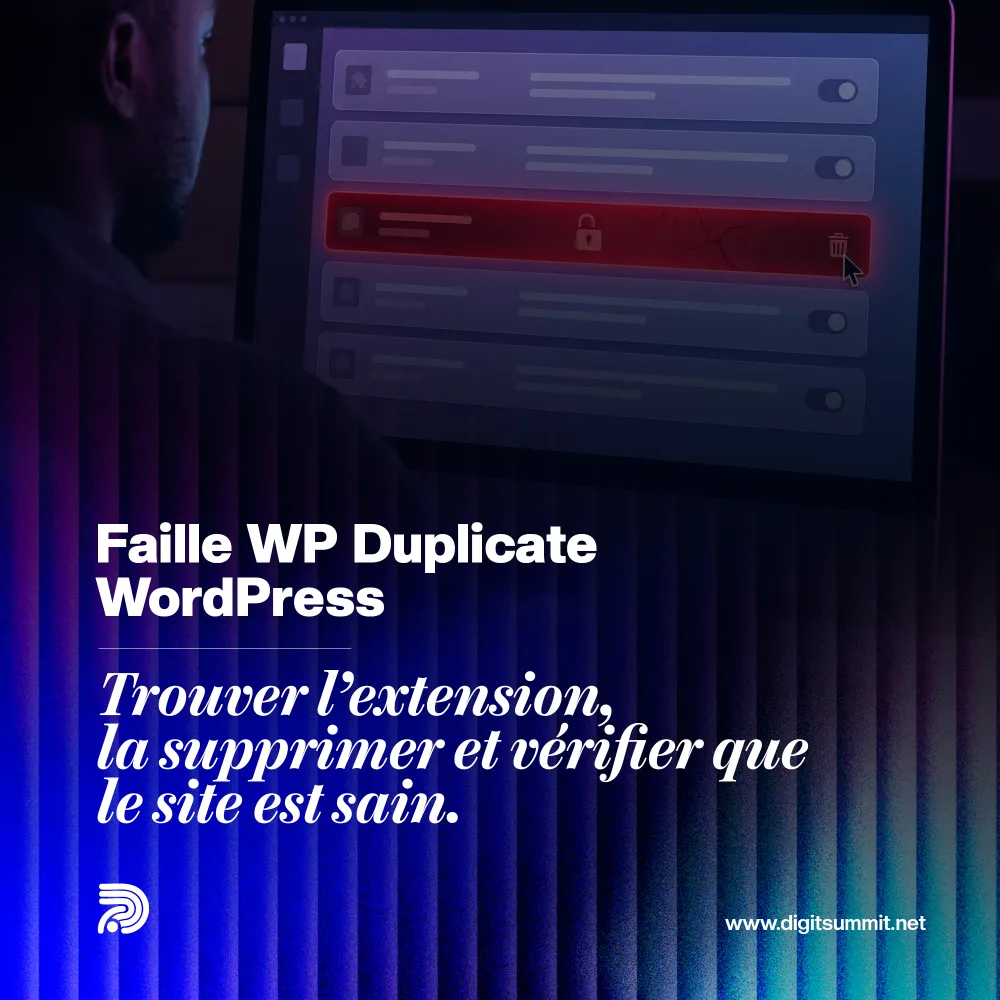
- Log in to the WordPress dashboard and open the "Plugins" menu.
- Look for "WP Duplicate" and "LocalSync", including among deactivated plugins (Codeur.com).
- If you find it, first make a full backup of the site in its current state (Codeur.com). It will serve as a starting point if a clean-up is needed.
- Deactivate the plugin, then click "Delete". Deactivating is not enough; you must delete it (Codeur.com).
- Repeat the same check on every copy of the site: test server, staging, and any old hosting account that is still active. The tool must be removed from the old server as well as the new one (Codeur.com).
This last point is often overlooked. An old hosting plan kept "just in case", with a copy of the site and the plugin on it, is as much a target as the main site, and far less closely monitored.
Has the site already had a visitor?
If WP Duplicate was installed, assume someone may have got in (Codeur.com). WPScan has not published any specific indicator for recognising an intrusion linked to this vulnerability (Codeur.com). So you need to look for the usual traces. Here is what your service provider or hosting provider should check (Codeur.com):
- PHP files in the media folder. PHP is the language of the programs that run the site. The wp-content/uploads folder should only contain images and documents; a .php file there is a red flag.
- Unknown administrator accounts. In the "Users" menu, display the administrators and delete any you do not recognise.
- All passwords. Change the passwords for WordPress, FTP (access to the server files), the database and your customer account with the hosting provider.
- A security scan. A plugin such as Wordfence, or a scan requested from the hosting provider, completes the inspection.
A half-finished clean-up often leaves a backdoor that the attacker will come back to use (Codeur.com). If you find a suspicious file, do not just delete it: have the entire site checked.
Clearing out other migration tools
WP Duplicate is the urgent issue, but the problem is broader. Use this check to identify all the migration, cloning or backup tools on the site, such as Duplicator, All-in-One WP Migration or UpdraftPlus (Codeur.com). These plugins are not covered by this alert. The only question to ask: are they still in use?
- A migration tool used once, months ago: delete it. You can reinstall it when you next move the site.
- A backup plugin that runs every night: keep it, but make sure it is up to date and compare its version against the WPScan, Patchstack or Wordfence vulnerability databases (Codeur.com).
- Archives from previous migrations: look in the wp-content folder for .zip, .sql or .wpress files (Codeur.com). A .sql file is your database, customer accounts included. Delete these archives, or at least move them out of the public folder (Codeur.com).
For future site moves, the rule fits in one sentence: install the tool on the day of the transfer and delete it, along with its archives, as soon as the new site is working (Codeur.com). Before installing one, check the date of its last update and its vulnerability history (Codeur.com). Put this rule in writing in your service provider's contract, and schedule a review of your plugins every quarter, as Codeur recommends (Codeur.com).
The cost of waiting
An attacker who controls your site can hide fraudulent pages on it, redirect your visitors to scams or steal your customers' data. For an online shop, timing increases the risk: if you have prepared your shop for Black Friday, check your plugins before the peak in orders, not after. And while you are in the admin area, check your server's PHP version, another common weak point on SME websites.
What you can do this week
Open the plugin list on your main site and on each of its copies. If WP Duplicate or LocalSync appears there, delete it, then have the server checked for suspicious files. While you are at it, remove any migration tool that is no longer in use.
If you do not have access to the admin area, or if doubts remain after the check, the DiGit Summit web security & maintenance team can carry out this inventory, remove the risky components and look for signs of intrusion.
Frequently asked questions
I deactivated WP Duplicate a long time ago: am I protected?
No. A deactivated plugin's files remain on the server and some of them can be called directly. You need to delete the plugin, not just deactivate it, and then check that no suspicious files have been uploaded.
Should I wait for a WP Duplicate update?
No. WPScan lists no patched version, and Patchstack states that no official fix exists for versions up to and including 1.1.11. The only reliable protection today is to delete the plugin.
Are Duplicator, All-in-One WP Migration or UpdraftPlus affected by this vulnerability?
No, this alert only concerns WP Duplicate, formerly LocalSync. However, any migration tool that is no longer in use should be deleted. The ones you keep must be up to date and checked against vulnerability databases such as WPScan, Patchstack or Wordfence.
How can I tell whether my site has already been hacked through this vulnerability?
No specific indicators have been published for this vulnerability, so you need to look for the usual traces. Look for PHP files in the wp-content/uploads folder and for unknown administrator accounts, change all passwords and run a security scan. If in doubt, have a professional check the entire site.
How can I migrate a site without leaving a door open?
Install the migration tool on the day of the transfer and delete it, along with its archives, as soon as the new site is working, on both the old server and the new one. Before installing it, check the date of its last update and its vulnerability history.
Sources
- WPScan, WP Duplicate <= 1.1.11 – Unauthenticated Arbitrary File Upload via Authentication Bypass (6 November 2026)
- OpenCVE, Wp Duplicate CVEs and Security Vulnerabilities (10 November 2026)
- Patchstack, Arbitrary File Upload in WordPress WP Duplicate Plugin (9 November 2026)
- Codeur.com, Faille critique WordPress : exécution de code à distance sans authentification en cours d'exploitation (13 November 2026)
- OffSeq Threat Radar, CVE-2026-123751: WP Duplicate · Unrestricted File Upload (9 November 2026)
Was this article helpful?
Thank you! Your feedback helps us choose our next topics. Get the next articles